A fully local AI agent platform
built to help you create.
Arvanta runs on your machine and gives you specialized AI helpers for writing, coding, research, finance, creative work, game creation, and everyday projects — so you can describe what you want without needing to know every technical step.
Best fit today: Windows desktop users who want a private AI workspace that helps create files, drafts, code, assets, games, plans, and more.
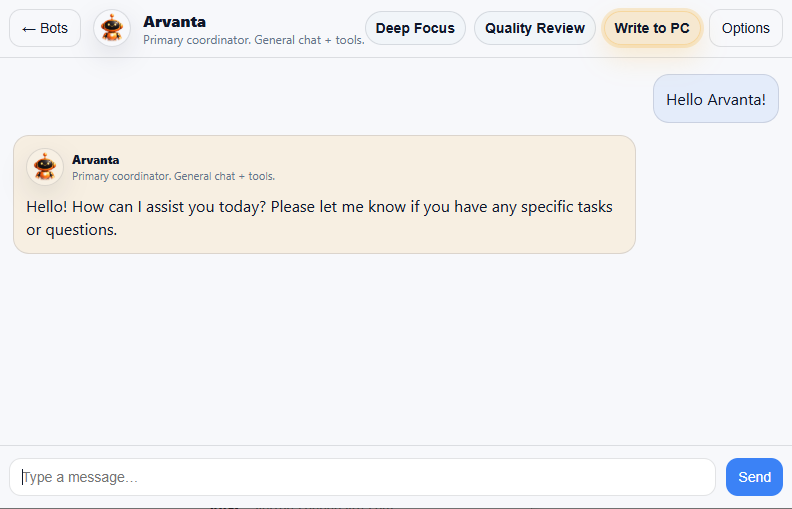
Private by default
Your chats, files, project context, bot memories, and generated work stay on your machine — private by design and under your control.
Persistent memory
Every bot can remember the details that matter — project context, preferences, decisions, and past work — so you do not have to start over every chat.
Real outputs
You do not need to know every technical step. Describe what you want, and Arvanta’s bots help create the file, plan, draft, code, game, asset, or social content for you.
Default Bots Included
The primary coordinator for general requests, deep work, project context, quality checks, and routing work across the specialist bots.
Focused on software development: code generation, debugging, refactors, scripts, app logic, and practical file changes inside your workspace.
Writing specialist for drafting, rewriting, polishing, documentation, story, tone, change logs, and customer-facing copy.

Research specialist for investigating questions, comparing sources, fact-checking claims, and turning gathered evidence into structured briefs.

Focused on calculations, budgets, margins, estimates, pricing, and spreadsheet-style financial or operations questions.

Creates and reviews 2D or 3D assets, drawings, modeling concepts, and geometry-heavy workflows, especially when working from visual references.
Godot game-development specialist for creating, editing, debugging, running, and verifying playable projects inside your workspace.
Creates original music across requested genres and saves playable local audio for review and reuse.
Creates local images in multiple styles and resolutions, with quality controls and saved visual artifacts.
User-created specialists with custom roles, workflows, personalities, and specific instructions for the way you want them to work.
Possible Future Bots
Future specialists are not release promises. They are ideas we are evaluating based on whether they solve a real problem for Arvanta users. Your feedback can move a concept forward, change its direction, or point us toward something more useful.
A possible video and motion specialist for understanding footage, planning scenes, and helping create cinematic workflows. We are still deciding whether Iris belongs in Arvanta.